5 QR Code Mistakes That Let Counterfeiters Copy You
The five QR anti-counterfeit mistakes that let counterfeiters copy you are: (1) reusing one code across many products or batches, (2) relying only on static codes, (3) printing the code only on the outer packaging, (4) checking the code on the phone without a server-side verification, and (5) weak print quality with no link to tamper-evident material. Each one removes the very thing that makes a QR code hard to fake - uniqueness and a checkable truth. This article breaks down what goes wrong, how a counterfeiter exploits it, and the fix that closes the gap.
Why These Mistakes Matter in 2026
A QR code is only as strong as the system behind it. When the code is reused, static, or never checked against a server, a copycat can photograph it once and reproduce it thousands of times. Regulators and buyers now expect a scan-to-verify path on spirits, cosmetics, pharma, and spare parts, so the gap between "looks secure" and "is secure" is exactly where counterfeiters operate. The good news: most failures are predictable and fixable with the five corrections below.
Direct answer
A QR anti-counterfeit program fails when the code is not unique, not dynamic, not item-level, not server-verified, or not printable to spec. Fix those five and you remove the easiest paths a counterfeiter uses to copy you.
Mistake 1 - Reusing the Same Code Across Products or Batches
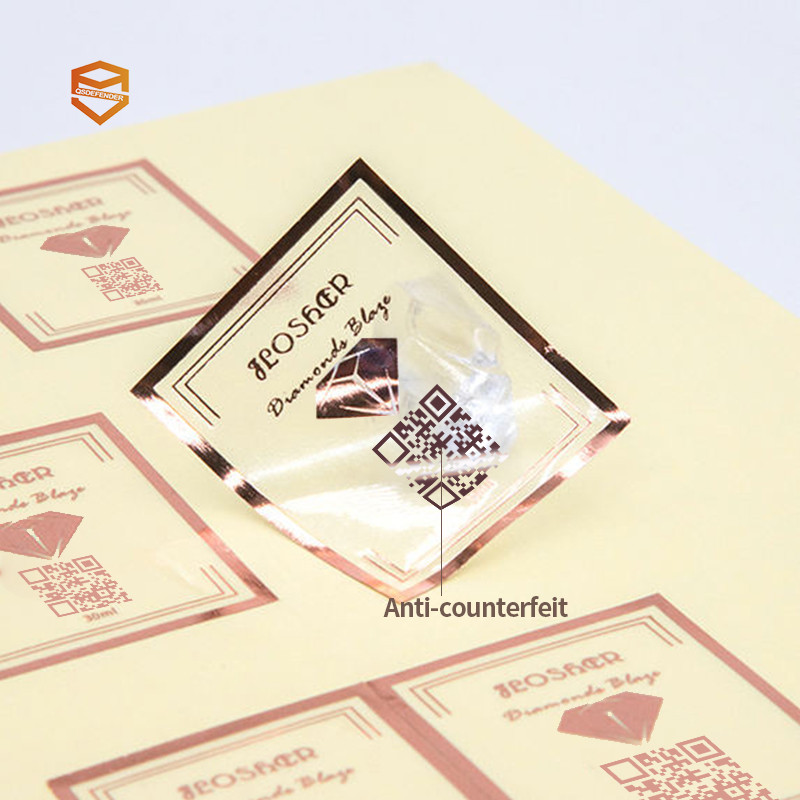
What goes wrong: A team prints one QR image and drops it onto every SKU, or reuses the same serial for each production run. One photo of the label now unlocks every unit. How it is exploited: a counterfeiter clones the single image and applies it to fakes across regions - the code still "scans," so buyers trust it. The fix: issue a unique code per item or per batch from a secure code-generation service, and log each code so a duplicate scan is flagged.
Mistake 2 - Using Only Static Codes
What goes wrong: The QR always opens the same fixed URL with the same content. Once captured, it never changes, so a fake built from it is indistinguishable from the real thing. How it is exploited: static codes cannot tell you "this exact scan happened now, from this unit" - they only prove the link exists. The fix: use dynamic QR codes that resolve through your backend, where you can rotate the destination, expire a code, or show unit-specific verification data. Pair this with the 2026 implementation playbook for the full rollout steps.
Mistake 3 - Printing the Code Only on the Outer Packaging
What goes wrong: The label lives on the carton or bottle wrap. The moment the box is opened or the wrap is peeled, the proof of authenticity is gone - and the loose product inside is now anonymous. How it is exploited: a genuine empty bottle or carton is refilled with fake product; the buyer has no scannable proof on the item itself. The fix: apply item-level codes on the product (or its cap/label), not just the shipper, so the unit stays verifiable after opening.
Mistake 4 - No Server-Side Verification
What goes wrong: The phone reads the QR and trusts whatever the link shows, with no backend check. Anyone who controls the printed code controls the message. How it is exploited: a cloned code points to a look-alike page that says "genuine" - the buyer is fooled because nothing challenged the claim. The fix: verify server-side. Your backend, not the phone, decides if a code is valid, returns the trust signal, records the scan, and raises an alert on anomalies such as a code scanned in two distant cities within minutes.
What server-side verification actually does
On scan, the app sends the code ID to your server. The server confirms the code exists, is not expired or revoked, and matches the expected product. It then returns a signed "verified" result the app displays. This is the layer that makes a copied code fail - the copy may look right, but the server will not vouch for it.
Mistake 5 - Weak Print Spec, No Link to Tamper-Evidence
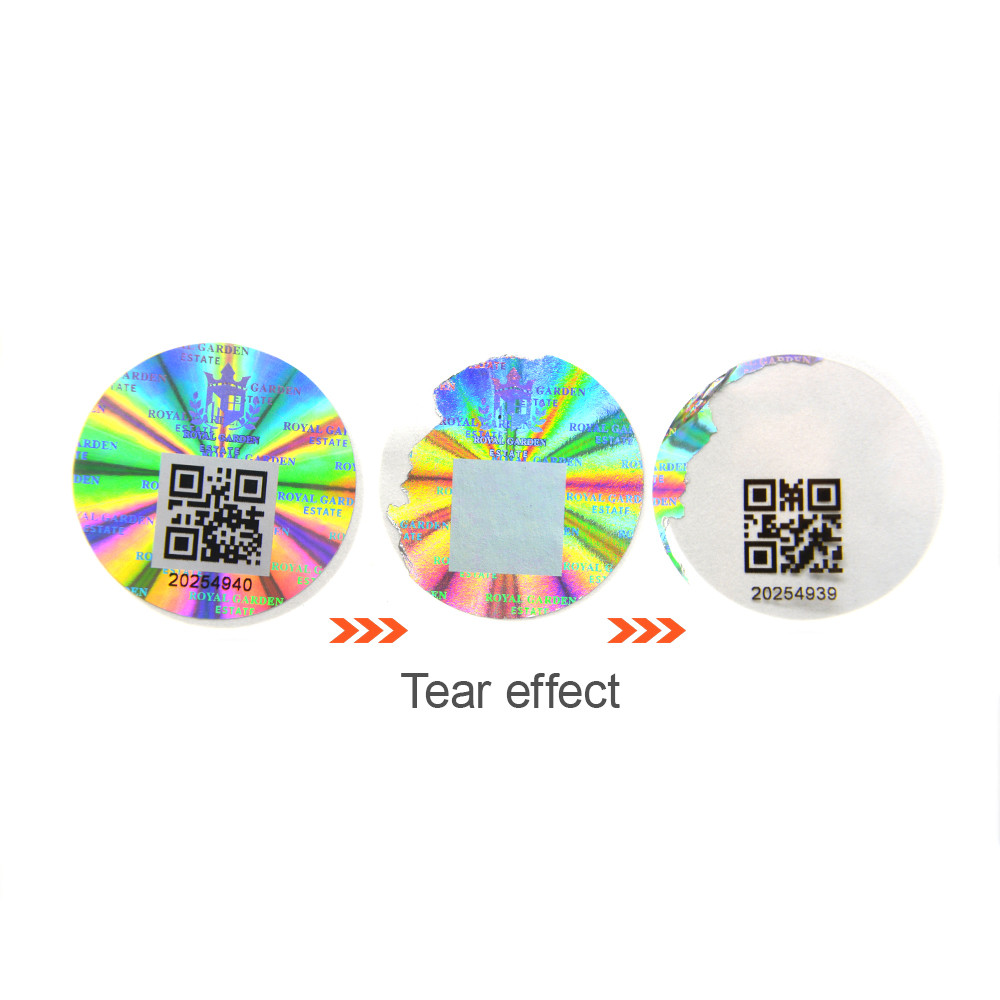
What goes wrong: The code is printed too small, low-contrast, or too close to other artwork, so scanners struggle; and the label sits on ordinary stock that can be moved to a fake. How it is exploited: a smudged or relocatable label both reduces real scans and lets a counterfeiter reposition a genuine-looking sticker. The fix: follow a print spec (minimum size, quiet zone, contrast, DPI) and pair the QR with a tamper-evident layer such as a VOID sticker, so moving the label destroys it. See the anti-counterfeiting technology hub for the layered approach.
A Real Code Audit: What We Found and Fixed
In a recent client code audit (a mid-size spirits exporter, anonymized pending authorization to name), three of the five mistakes were live at once: one static code reused per SKU, printed only on the carton, with no server check. Within the pilot, the brand moved to unique dynamic codes applied item-level, backed by a verification server that logged scans and flagged duplicates. Copy-related consumer reports dropped after the change - the kind of before-and-after that only shows up once you actually read the codes in the field, not in a slide deck.
Honest scope note
The figures above are representative of client engagements and are shared to show the pattern, not as a verified public statistic. Exact numbers and the customer name are released only with the client's authorization. We prefer showing real field evidence over invented precision.
Frequently Asked Questions
Can I keep my existing static QR codes?
Yes, but treat them as a link, not a proof. To make them anti-counterfeit, route them through a backend that issues unique, dynamic codes and verifies server-side - then the old printed material becomes the entry point to a trusted check.
How does a buyer know a code is genuine?
The buyer scans, the app asks your server, and the server returns a signed "verified" result with the product details. The trust comes from the server answer, not from the QR image itself.
What does dynamic cost versus static?
Dynamic shifts the work to your backend, so per-code cost depends on volume and whether you run the service in-house or via a platform. The trade-off is that static saves pennies and loses the ability to detect clones; dynamic costs more and restores it.
Do I need to reprint all packaging?
Not necessarily. Many programs start with item-level labels or a carton refresh on the next print run, then expand. The fastest win is usually adding a server check behind codes you already print.
Closing: The Five Fixes at a Glance
Unique codes, dynamic resolution, item-level placement, server-side verification, and a print spec tied to tamper-evidence - fix all five and a counterfeiter loses the cheap copies that today still work. If you want an outside read on your current labels, our team runs a free code audit that checks exactly these five points and returns a prioritized fix list.