Scan-to-Authenticate in 10 Seconds: Consumer UX
The counterfeiters' best ally is not a better fake — it is a slow verdict. When a consumer scans your serialized code, the decision to trust or doubt your brand happens in seconds. If the page hangs, demands an app install, or buries the answer under a signup wall, genuine customers walk away uncertain and counterfeiters win by default. This guide breaks down the scan to authenticate consumer experience into a 10-second budget, the mobile performance floor set by Google's Core Web Vitals, and the testing protocol we use to verify that every scan ends in a clear answer.
The 10-Second Budget, Spent Second by Second
Think of every scan as a small budget with ten seconds to spend, because beyond that, most first-time scanners disengage:
| Phase | Budget | What can go wrong |
|---|---|---|
| Aim and frame | ~2s | Code too small, poor contrast, glare — the camera hunts and the user gives up (print specs are covered in our QR print specification guide) |
| Decode and resolve | ~1s | Native camera reads the code; a slow DNS or redirect chain adds dead time here |
| Server verdict | ~2s | Unoptimized landing page, heavy scripts, or a chain of marketing redirects before the verdict renders |
| Read and act | ~5s | Buried result, confusing pass/fail wording, or a registration wall that stops the trust moment cold |
The first three phases are engineering. The last one is design and copy. A scan to authenticate consumer experience fails if any one of the four phases breaks — and the first two are invisible to dashboards until someone tests them on a mid-range phone on a cellular network, not on the office Wi-Fi.
The Mobile Performance Floor: Google's Core Web Vitals Apply to Verdict Pages
The page a scan opens is a landing page, and landing pages are graded — a truth every team planning a scan to authenticate consumer experience eventually learns. Google's Core Web Vitals define the floor for a good mobile experience, measured from real-user field data at the 75th percentile:
| Metric | Good | What it means for a verification page |
|---|---|---|
| LCP (Largest Contentful Paint) | ≤ 2.5s | The verdict — the green check or red warning — must render fast, not trickle in after the hero banner |
| INP (Interaction to Next Paint) | ≤ 200ms | Taps on "what does this mean?" or language switching must respond instantly; INP replaced FID as the official metric in March 2024 |
| CLS (Cumulative Layout Shift) | ≤ 0.1 | A late-loading banner that pushes the verdict down while the user is reading is a false-negative factory |
Thresholds per Google's Core Web Vitals threshold documentation. The stakes are measurable: Google research attributes roughly 53% of mobile site abandonment to loads exceeding three seconds, and industry analyses place the share of origins passing all three vitals at only around 56% in 2026 CrUX data — with mobile trailing desktop. Verification pages have no margin above that bar, because their traffic arrives cold: a stranger, on unknown hardware, on cellular data, holding a product in one hand.
Two practical rules follow. First, the scan should resolve directly to the verdict — one redirect at most. Every marketing redirect inserted before the result page burns the 2-second server budget and reads as broken trust. Second, a serialized QR code carries a short, unique URL precisely so the page stays light; if your code encodes a 90-character URL, the decode phase slows down before the page even opens.
Design the Scan Moment: Zero Friction Before the Camera
Native camera scanning has been standard on iPhones since iOS 11 and on mainstream Android devices for years. That is a gift: the consumer never leaves the camera app, never downloads anything, never types a URL. Protect that gift.
- No app walls, ever. Asking a first-time scanner to install an app to verify a $20 purchase converts a trust question into a privacy question. The verification rate collapses.
- Print the instruction. A short prompt — "Scan to verify authenticity" — on the label sets the expectation and doubles as a signal that the brand takes counterfeiting seriously.
- One code, one promise. If the same code serves loyalty points, warranty registration, and authentication, the verdict competes with marketing for the same five seconds. Put authentication first on the page; everything else comes after the answer.
The Verdict Screen: One Answer, Above the Fold
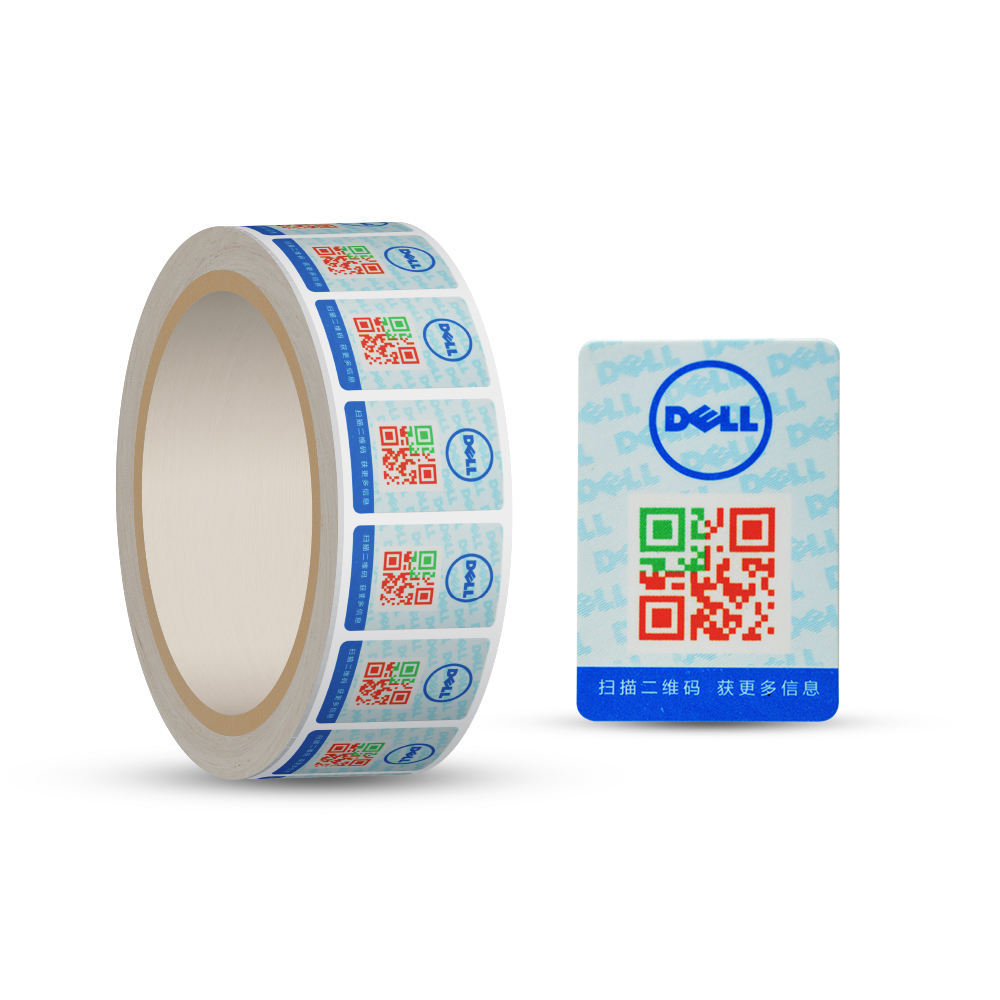
The result page has one job. In our production deployments the pattern that survives contact with real users is deliberately plain:
- Verdict first, above the fold: a large green "Genuine" or red "Suspect — do not trust", with the product name and the scan count context (first scan, scan number N) directly beneath it.
- First-scan logic explained in one line: "This is the 1st scan" builds confidence; "12th scan, 3 cities — report if this isn't you" turns anomaly data into consumer action instead of hiding it.
- No registration before the answer. Warranty signup, newsletter boxes, and campaign banners come after the verdict, never before it.
- Suspect states need empathy: a failed scan may mean a copied code — or a worried legitimate customer. Offer a one-tap report path and a human contact, not just a red X.
This is also where dynamic codes earn their keep over static ones: the server, not the printed pattern, decides what the consumer sees, and the same scan that delivers a verdict feeds the alerting system described in our dynamic vs static comparison.
How We Test: The 10-Second Task Protocol
Specifications do not prove experience; observed behavior does. Our UX check for a new verification deployment runs as a task-based protocol with first-time users — people who have never seen the product — on their own phones:
- Task 1 — cold scan: hand over the sealed product, ask "is this genuine?" and time from pick-up to verdict. Target: 10 seconds or less to a correctly interpreted result.
- Task 2 — comprehension: ask the user to say out loud what the page told them. If the verdict needs re-reading, the copy fails even when the timer passes.
- Task 3 — second scan: repeat with a second unit to confirm the "scan count" messaging updates and still reads clearly.
- Task 4 — the suspect path: test a duplicated-code scenario and confirm the user both understands the warning and can report it in one tap.
- Device matrix: at minimum one older Android, one current iPhone, one mid-range device, on cellular rather than Wi-Fi.
To be explicit about evidence: the protocol, phasing, and targets above reflect our internal design standards for verification deployments — not aggregated client performance data, which we do not publish. The Google-sourced thresholds and abandonment figures are external and cited; the 10-second framing is our working benchmark, offered as engineering guidance rather than a guaranteed outcome.
When the Scan Fails: Design the Fallback Before You Need It
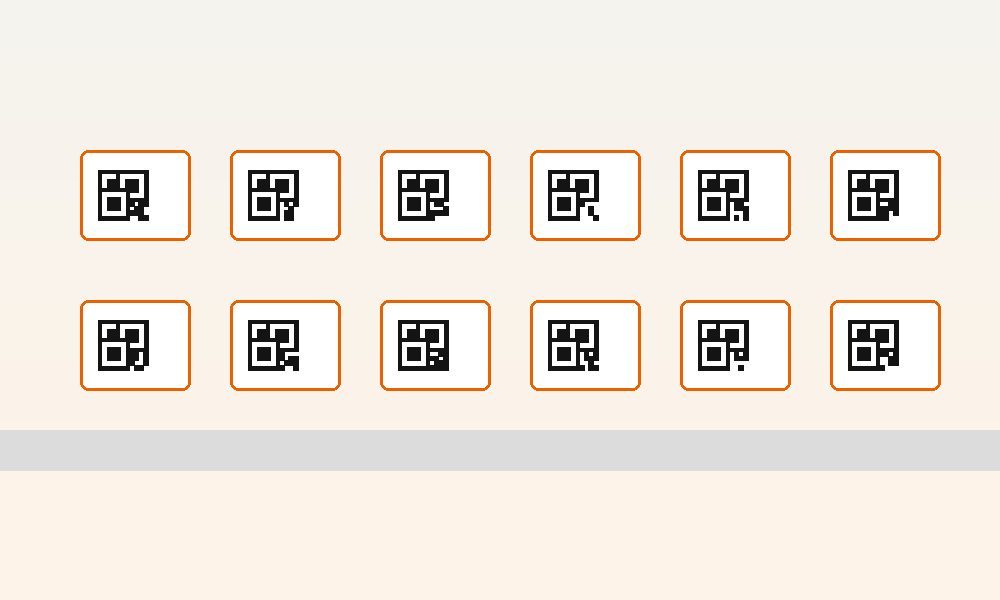
Scratched codes, dead zones, and cracked screens are part of the field. A fallback path — a short typed URL printed beside the code, or a batch ID lookup — rescues the experience, but it must lead to the same verdict screen. Two different results for two different paths is how confusion (and abuse) starts. The unique-code array behind the fallback is the same one shown here:
The Experience Is the Last Mile of Anti-Counterfeiting
Serialization, dynamic verdicts, and print quality are covered elsewhere in this series: the 2026 implementation playbook lays out the system, the QR vs NFC vs hologram comparison helps you choose the layer, and the five QR mistakes piece shows what undermines it. The consumer experience is where all three are finally judged — by the least patient, least forgiving audience your brand has.
Honest Boundaries
Core Web Vitals thresholds and the 53% abandonment figure come from Google's published research and documentation (current as of September 2026); CrUX pass-rate context comes from third-party analyses of public Chrome UX data. The 10-second budget and the testing protocol are QSDEFENDER internal design standards, not certified benchmarks. Real-world results depend on your landing page infrastructure, hosting, and regional networks — measure your own verdict pages with field data before promising numbers to anyone.
See the 10-second experience live. We run a working demo of the scan-to-verify flow — unique code, instant verdict, first-scan context, suspect reporting — on real products over a call. Send an inquiry with the subject "Live Demo" and we'll walk your team through it, or contact us to test with your own packaging.